Amazon Spending Tracker
Live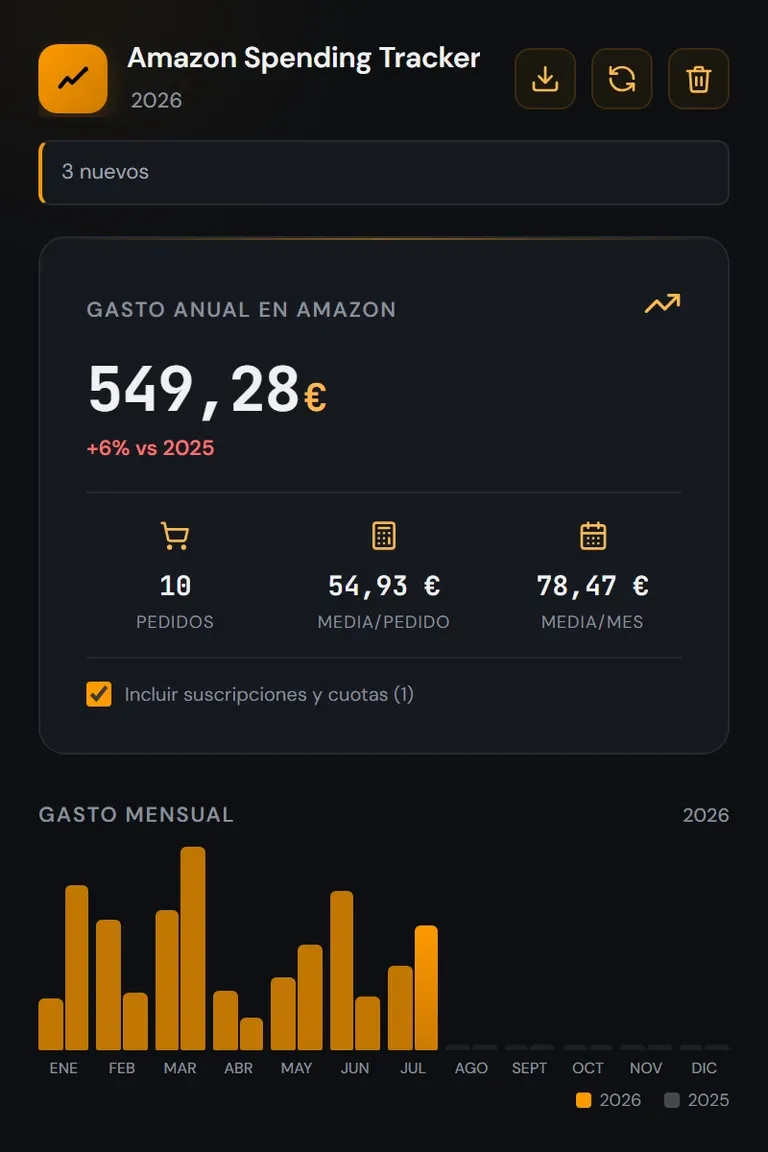
Yearly spending broken down by month 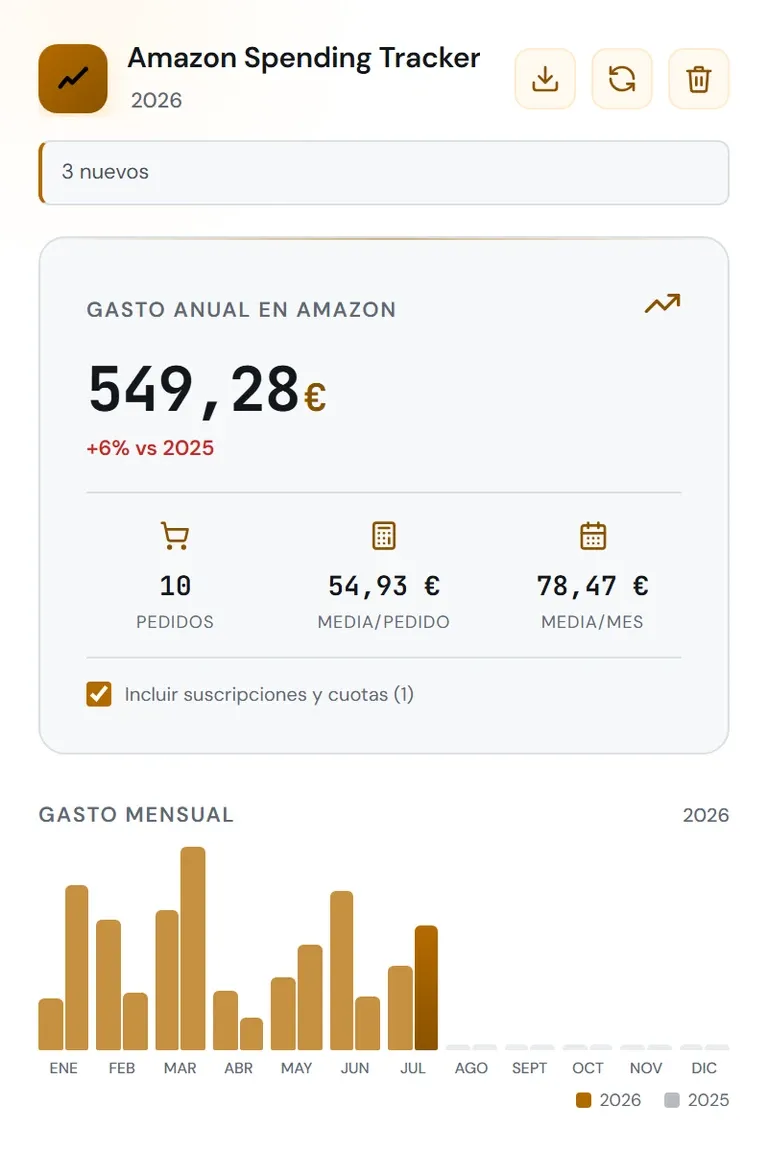
The same view in the light theme 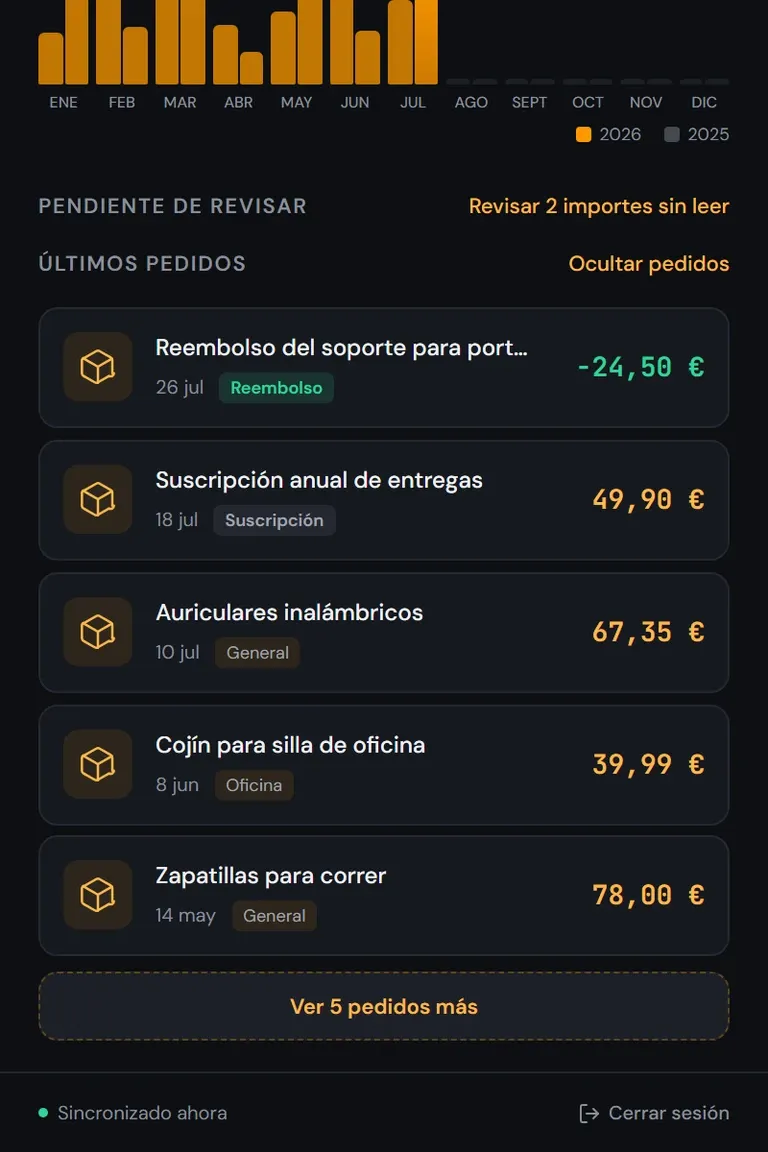
Recent orders, with refunds and subscriptions set apart 
Manual review of amounts the email does not expose 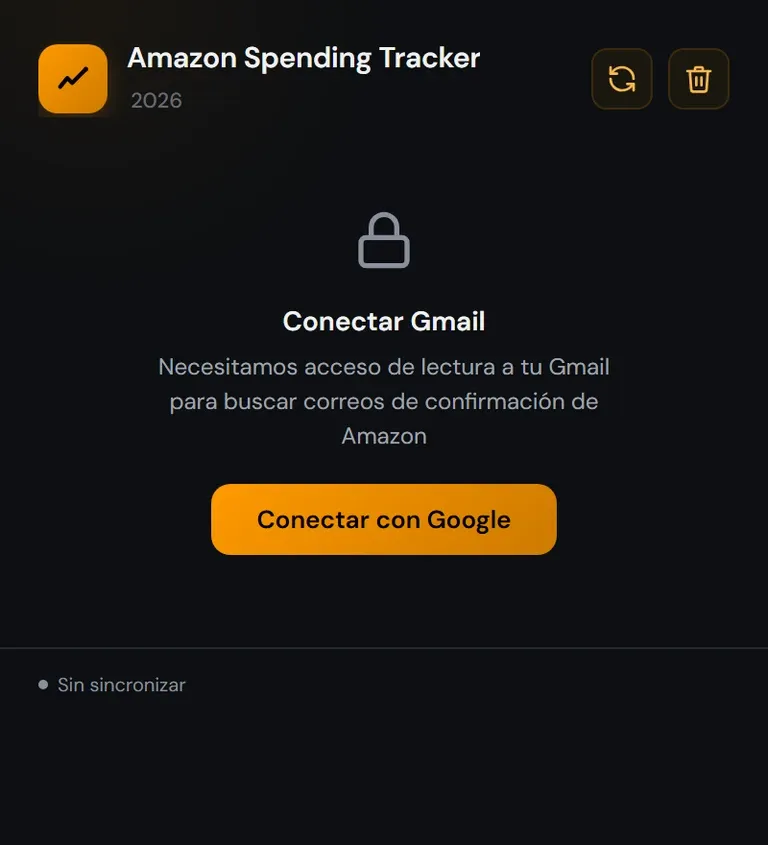
Gmail connection, read-only scope
Chrome MV3 extension that calculates and breaks down yearly Amazon spending from Gmail confirmations, with read-only OAuth, deduplication and local storage.
- Deduplication by order number, so emails from the same purchase are not counted twice.
- Hourly incremental sync plus a weekly full scan.
- .xlsx export generated with no dependencies.
- Spanish and English interface; data never leaves the browser.
The problem
Amazon does not show how much you have spent this year. It is spread across orders, returns and several country accounts, and the only complete view that exists is the confirmation emails, which are all in one mailbox. The problem was reading them without turning them into yet another place where your purchases are stored.
My role
Everything: the extension, the email parser, the interface, the store listing and the privacy policy.
Decisions
It reads the mailbox, and never touches Amazon
The extension asks for three permissions — identity, storage and alarms — and only Google's APIs as hosts, with the **read-only** Gmail scope. It cannot read any page you visit, Amazon's included. The obvious alternative was scraping the order history from the browser, and that needs permission over the domain: a permission nobody can verify you only use for that.
The deduplication key is the order number
One order generates several emails — confirmation, dispatch, delivery, sometimes one per parcel — and counting by email multiplies the spending. The key is the order number, falling back to the message id only when it is absent. The other way round — deduplicating by amount and date — merges two identical purchases on the same day, a mistake that is harder to spot because the total still looks reasonable.
The .xlsx is written by hand, with no dependencies
An .xlsx is a ZIP with several XML files inside, and an extension's security policy forbids loading external libraries: pulling in a spreadsheet one was not an option. A CSV was, but it has no formatted headers, column widths, filters or totals row, which is exactly what you look at in a spending export. The ZIP entries go uncompressed: it is valid, the code stays synchronous and the files are a few KB.
Incremental hourly, complete weekly
A full year's mailbox scan is tens of megabytes, so the usual answer is to ask only for what is new. But an email that arrived while the extension was off, or one Gmail reclassified later, never shows up again in an incremental query. The weekly full pass is what catches those; without it the total runs short and nobody knows why.
Outcome
- Published on the Chrome Web Store, recognising 21 Amazon marketplaces and 15 currencies, with the interface in Spanish and English.
- 2,628 lines across six modules and zero runtime dependencies: what gets installed is what is written, the spreadsheet generator included.
- Seven test files on Node's own runner, with no framework: the parser, the orders, the interface and the .xlsx are checked on every change.
What I would change
I assumed the hard part was reading the emails, and the hard part was shipping: the privacy policy, justifying every permission, the screenshots, the listing copy and Google's review. I ended up writing a store checklist **after** going through it, which is the wrong order. What I would do differently is read the publishing requirements before deciding the architecture, because some of them — the permissions above all — shape the design and not just the wrapper.